
A top VR platform should make the ordinary parts of a session easy: finding a video, adjusting the view and stopping when you choose. When considering Brain Dance VR at https://braindancevr.com/, apply the same practical checks you would use for any immersive media service. The useful question is how well the platform fits your headset and your preferred way of watching.
Start with the controls you will actually use
A polished homepage cannot tell you whether the playback controls are easy to reach inside a headset. Before committing to a subscription, look for a demonstration or a clearly documented player. Find out how to pause, change volume, move along the timeline and return to the library. These actions should be understandable without repeatedly removing the headset to consult another screen.
Control methods matter as much as the number of buttons. A service may expect a tracked controller, a hand gesture, a pointer or a conventional mouse. Check which method is supported on your particular device. A feature that works on a desktop preview may behave differently in an immersive session. Test the full sequence from opening the service to leaving the player.
Make the viewing position part of the comparison
Look for instructions about recentering and adjusting the virtual view. If you normally watch while seated, examine whether menus remain visible from that position and whether the selected experience supports it. Do not assume a headset’s general capabilities guarantee that every title or player offers the same options.
There is a useful distinction between turning to look around and moving through a virtual scene. The W3C WebXR specification describes rotational tracking and positional tracking as different capabilities. For a viewer, the practical implication is straightforward: establish what kind of movement the content supports before judging how immersive it feels.
Read the content description before pressing play
A good description explains the format, approximate running time and expected interaction. A flat video shown on a virtual screen is a different experience from panoramic footage or a scene in which objects can be explored from different positions. All can have a place in a media library, but they should be labeled clearly enough to support an informed choice.
For an initial test, choose something short with a predictable starting point. Check the audio level and locate the exit control first. Follow the headset manufacturer’s setup and use instructions. The goal of a trial is to understand the interface, rather than to finish an entire programme before deciding whether the setup suits you.
Give assistance and account settings a real test
Help pages should name supported devices and explain common playback problems in language a customer can follow. Search for the answer to one realistic question, such as how to reset the view or switch between a desktop preview and headset playback. Instructions that omit the device or browser version can be difficult to act on.
Account controls deserve the same attention. Locate sign-out, subscription management and the support contact before paying. If a headset is shared, check what remains visible when the next person uses it. These are useful household checks for any personal media account.
Choose by a repeatable routine
Write down three actions that matter to you, then perform them on each candidate platform. You might compare how quickly you can find suitable content, start it in the right viewing mode and leave the session. Record any extra hardware, software or setup steps. A top VR platform is easier to recognize when its everyday workflow matches your needs, rather than when its promotional page makes the strongest impression.
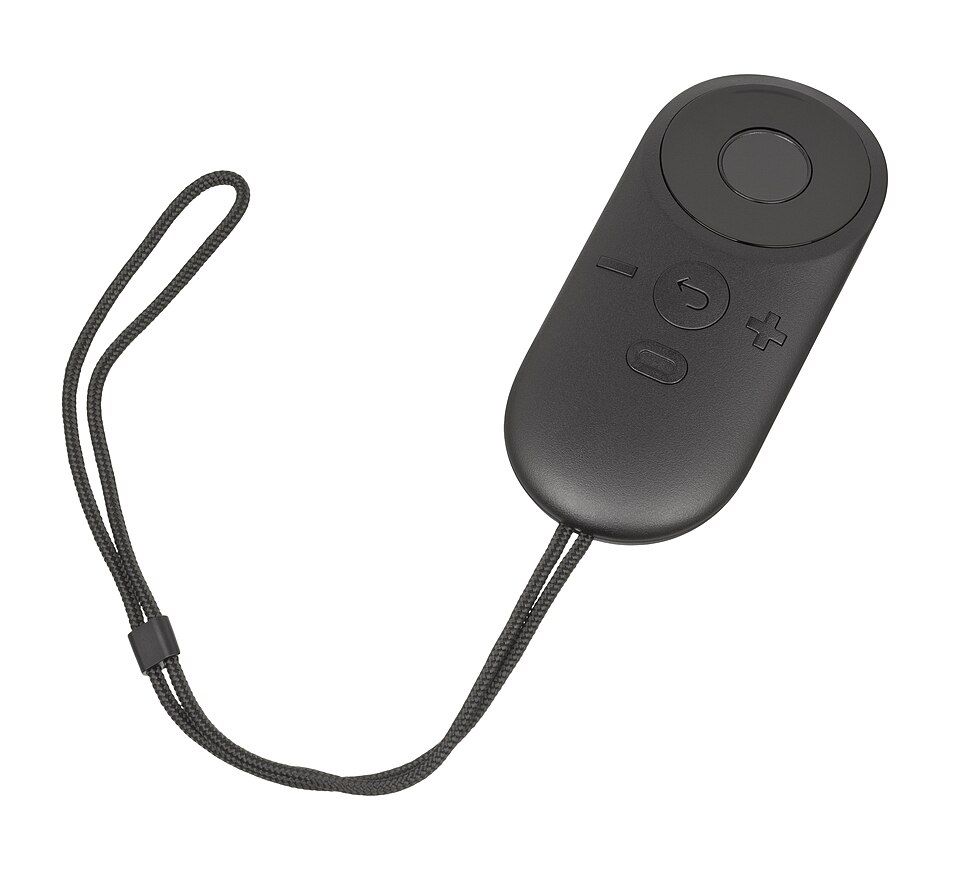
Image: Oculus Rift CV1 remote. Photo by Evan-Amos, Wikimedia Commons; public domain. Illustrative hardware, not a Brain Dance product image.